
Orders arrive on the till you already have
No extra device needed. FoodChat runs in Chrome on your till computer.
The basics
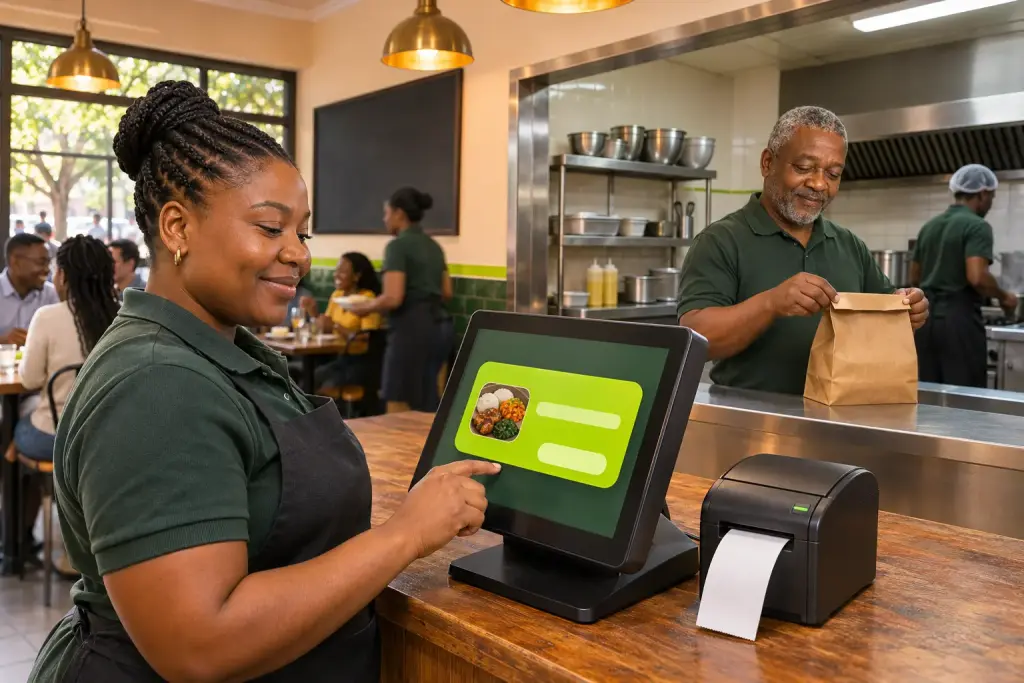
- A new order pops up on the till screen with a sound, even if another program is open.
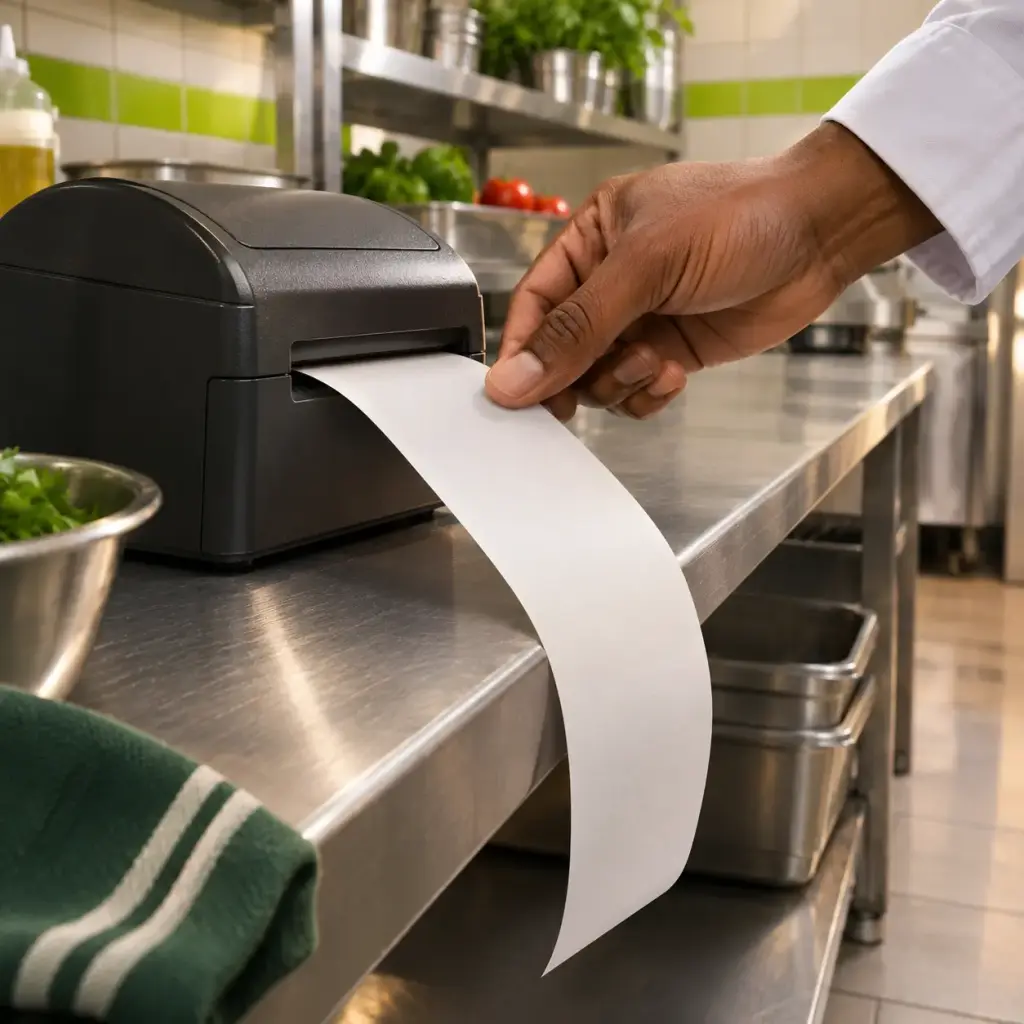
- The kitchen ticket prints with every item, choice, price and allergy.
- The alert keeps sounding until the ticket is printed, so no order is missed.
How it works
- Open the FoodChat Order Station shortcut on your till when you start the day.
- A new order chimes and pops up.
- Print the ticket, mark it ready, and the customer is told on WhatsApp.
Good to know
- Sold out? Tap Sold out and the item disappears from the menu until midnight.
- If the order screen isn’t open when an order comes in, the manager gets a WhatsApp.
- A counter device is available, but is entirely optional.