
Table bookings on WhatsApp
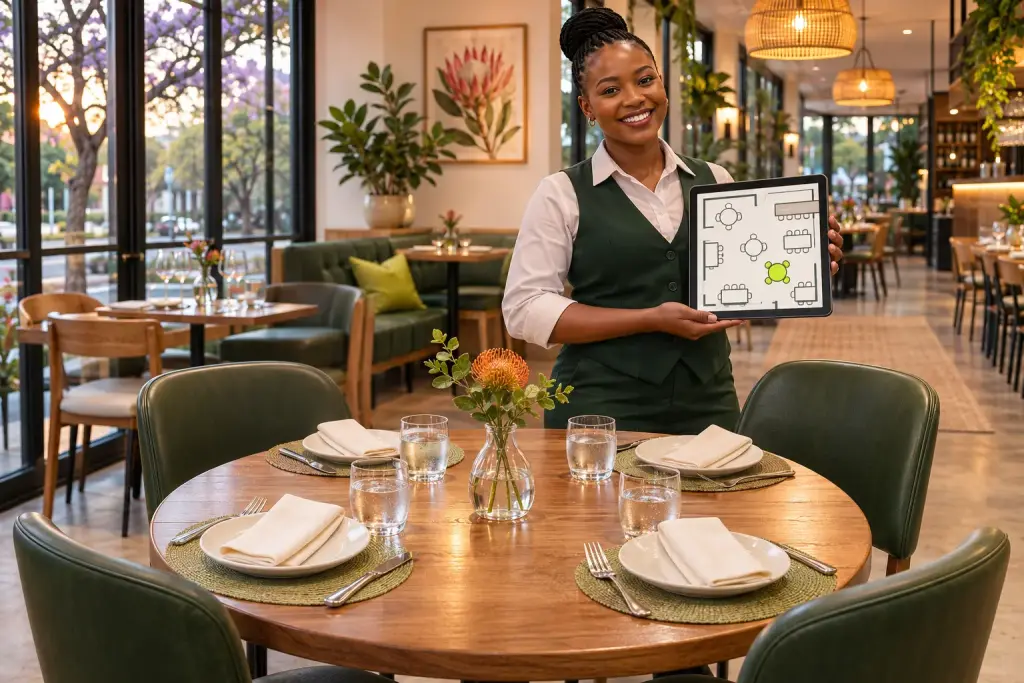
For sit-down restaurants: customers book a table in the chat, and your staff see every booking on a floor plan.
The basics
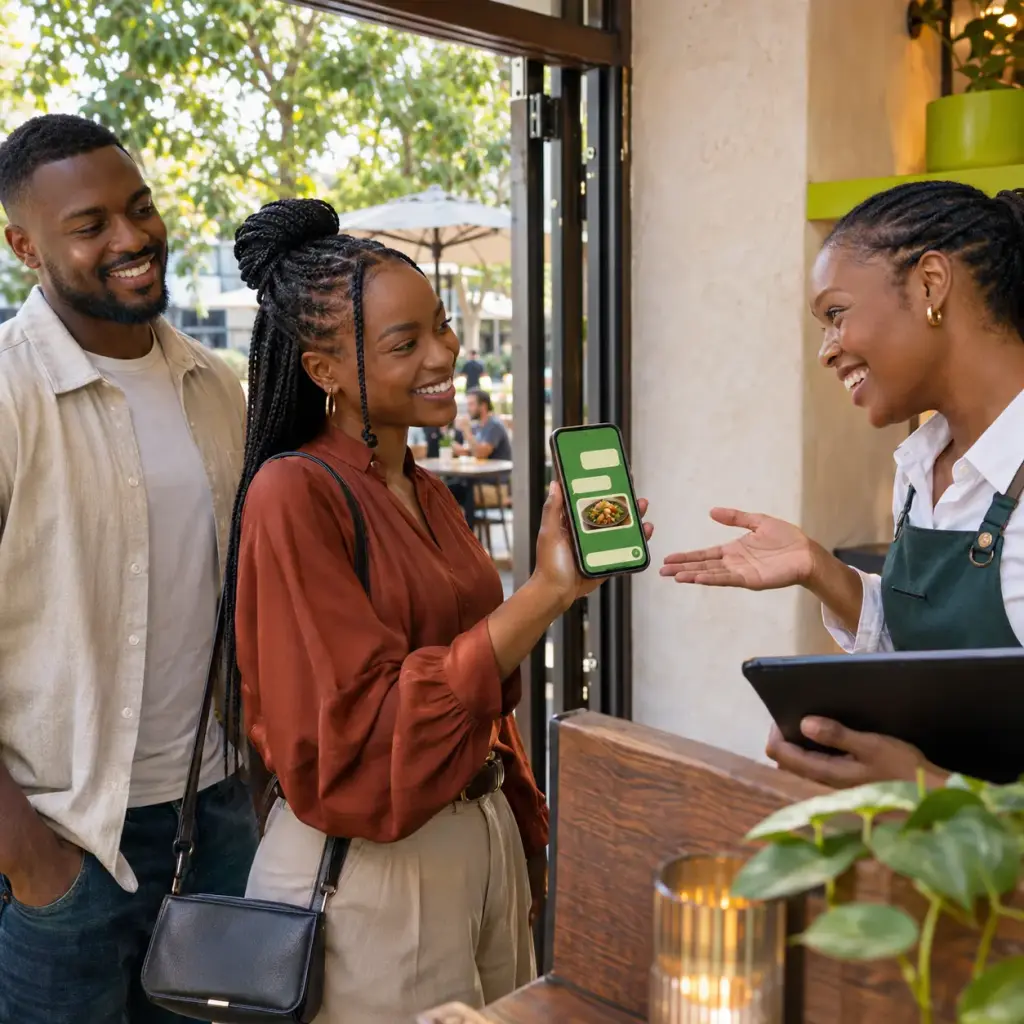
- Customers choose the number of people, the day, the time and the area, and are confirmed straight away.
- Only times with a free table are offered, so there’s no double-booking.
- A reminder is sent before the booking. Customers can view or cancel it in the chat.
How it works
- You list your tables, areas and seats in your store sheet.
- Customers type “book” or tap Book a table.
- Your staff see the floor plan for any date and time, and can add in-store bookings, seat guests and mark no-shows.
Good to know
- Large groups are handed to a person on your team.
- You choose how long a booking holds a table.
- Download all bookings to Excel.